


第一步:安装PC端插件
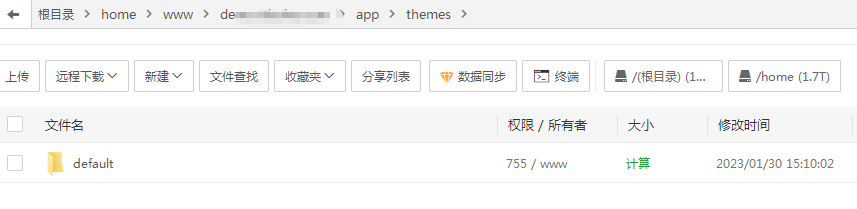
1、把压缩文件
|
1
|
fy_lessonv2_plugin_pc.zip
|
上传到根目录
|
1
|
addons
|
文件夹里面解压。
2、安装方法参考超级同步插件
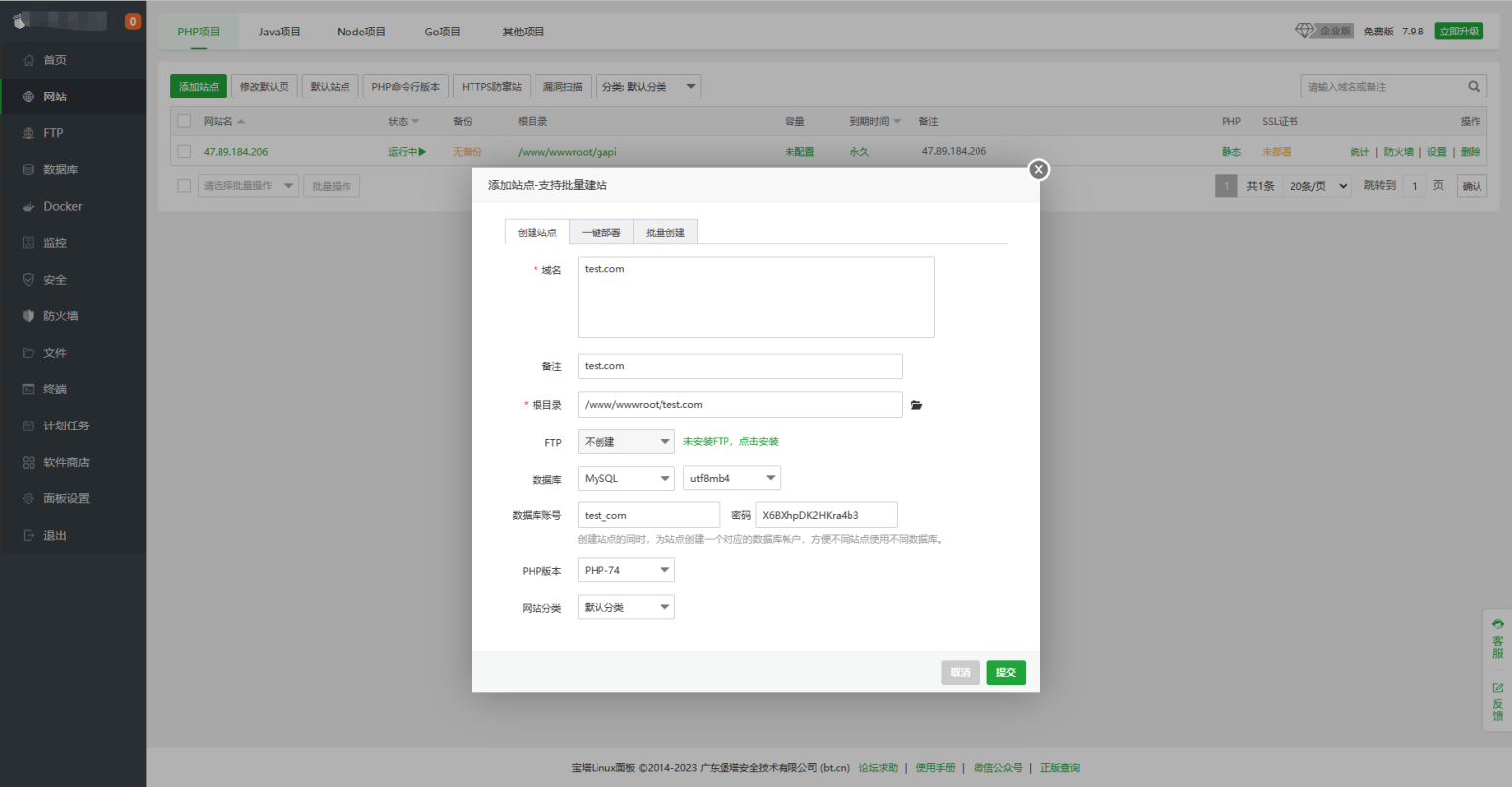
第二步:网站添加伪静态
![图片[1]度娘源码站_源码下载_免费源码_商业源码_专注分享高质量源码微课堂V2 PC端伪静态规则度娘源码站_源码下载_免费源码_商业源码_专注分享高质量源码度娘社团](https://www.duniang.vip/wp-content/uploads/2023/05/1673620079-8c21bdbad751ff9-1536x731-1.png)
下面是伪静态规则,根据你服务器选择对应的伪静态规则,填写到上图的红框内,点击保存即可。
Apache服务器伪静态规则
|
1
2 3 4 5 |
RewriteEngine On
RewriteBase / RewriteRule ^([0-9]+)-([0-9]+).html$ /app/index.php?i=$1&a=webapp&c=entry&eid=$2%1 [L,QSA] RewriteRule ^([0-9]+)/$ /app/index.php?i=$1&a=webapp&c=entry&do=index&m=fy_lessonv2 [L,QSA] RewriteRule ^([0-9]+)/([0-9a-zA-Z]+).html$ /app/index.php?i=$1&a=webapp&c=entry&do=$2&m=fy_lessonv2 [L,QSA] |
Nginx服务器伪静态规则
rewrite ^/([0-9]+)-([0-9]+).html$ /app/index.php?i=$1&a=webapp&c=entry&eid=$2;
rewrite ^/([0-9]+)/$ /app/index.php?i=$1&a=webapp&c=entry&do=index&m=fy_lessonv2;
rewrite ^/([0-9]+)/([0-9a-zA-Z]+).html$ /app/index.php?i=$1&a=webapp&c=entry&do=$2&m=fy_lessonv2;
© 版权声明
THE END





![表情[wunai]度娘源码站_源码下载_免费源码_商业源码_专注分享高质量源码度娘社团](https://ym.duniang.vip/wp-content/themes/zibll/img/smilies/wunai.gif)
![表情[wozuimei]度娘源码站_源码下载_免费源码_商业源码_专注分享高质量源码度娘社团](https://ym.duniang.vip/wp-content/themes/zibll/img/smilies/wozuimei.gif)
![表情[tuosai]度娘源码站_源码下载_免费源码_商业源码_专注分享高质量源码度娘社团](https://ym.duniang.vip/wp-content/themes/zibll/img/smilies/tuosai.gif)

暂无评论内容